Web scraping has been around for a long time, but if it used to be a tool "for developers only" today it has become accessible to almost everyone. Businesses scrape prices, marketers collect leads, SEO specialists track SERPs, and startups extract massive datasets for model training or market analysis.
Today, there is no longer a need to write complex scripts or maintain your own proxy infrastructure. Modern web scraping tools handle most of the routine work for you. Let’s take a look at 8 popular web scraping tools, but first, let’s explain what they are used for and what you should pay attention to when choosing one.
Why use web scrapers
Manually collecting data from websites is slow, boring, and does not scale at all. Web scrapers are designed specifically to automate this process.
Here are the most common reasons why they are actually used:
-
Market and price monitoring — tracking competitors, product prices, and stock availability.
-
Lead generation — collecting email addresses, company data, or contact information from public directories.
-
SEO and SERP analysis — scraping Google results, keywords, snippets, and ads.
-
Content and review analysis — collecting reviews, ratings, comments, or social signals.
-
Data for analytics or AI — obtaining large datasets for further processing.
In short, web scraping is needed to regularly collect public data from various websites.
What to consider when choosing a web scraper
Not all scrapers are suitable for the same tasks. Everyone has different goals, and each web scraping tool has its own functionality and limitations. Before choosing a tool, it’s worth thinking about a few practical points:
-
Ease of use. First of all, decide what level of functionality you need. If you don’t want to or don’t know how to write code, choose no-code web scrapers or browser-based solutions. For integrations and larger projects, API-based scrapers are more suitable.
-
Scraping volume. Scraping 100 pages once a week and scraping 1 million pages every day are completely different tasks. You need to choose a tool based on the amount of data you plan to extract, as not all tools handle large volumes well or remain cost-effective at scale.
-
JavaScript and dynamic content. Many modern websites heavily rely on JavaScript. If a tool cannot render pages, you will quickly hit limitations. That said, all the tools listed below handle JavaScript rendering well.
-
Anti-bot protection. CAPTCHAs, rate limits, and IP bans are the norm. Tools that handle this automatically save you a lot of time. It’s important to understand what exactly a scraping tool offers and whether it can solve your specific challenges.
-
Pricing model. Some tools charge per request, others per runtime, and others per number of data rows. There is no universally "best" model — it all depends on your tasks. You need to analyze the pricing model of each tool to see which one fits your use case best.
-
Proxy support. Proxies are critical for stable scraping, especially at scale. In most cases, modern tools already include built-in proxies, so you don’t need to connect them separately.
With that covered, let’s move on to the tools.
1. ScraperAPI
Official website: https://scraperapi.com
Free trial: Yes, 7-day free trial
Price: From $49 per month
Discounts: 10% off with annual billing
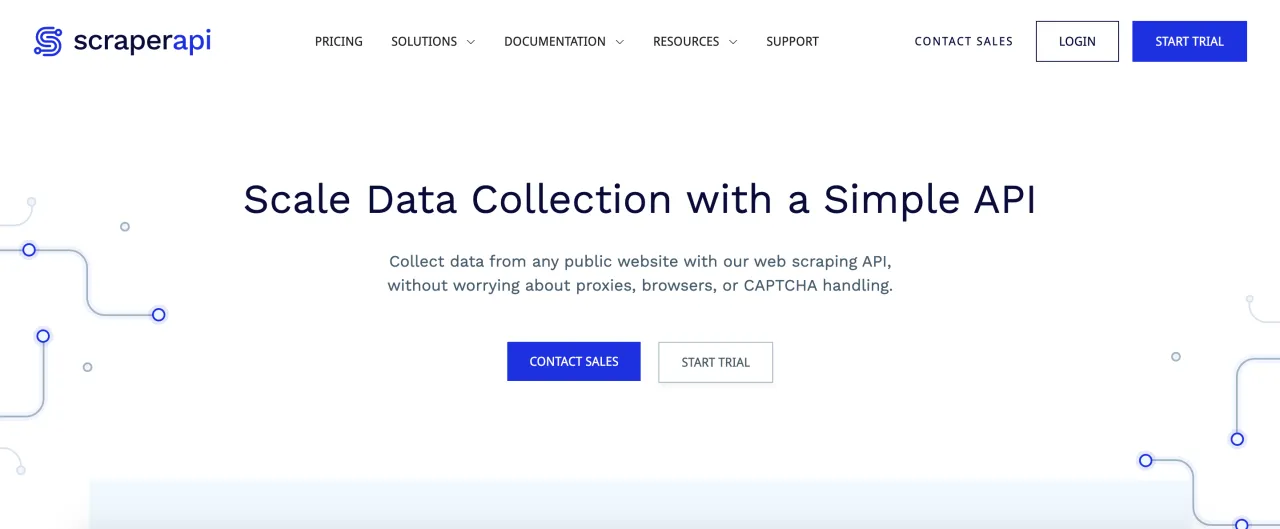
ScraperAPI is a tool that is more suitable for developers than beginners. Essentially, it’s a simple API: you pass a URL, and ScraperAPI handles proxies, headers, CAPTCHAs, and JavaScript rendering. You don’t see what’s happening "under the hood" — and that’s the whole point. The tool is built for those who want results without managing infrastructure.
Key features:
- Automatic proxy rotation
- CAPTCHA bypass
- JavaScript rendering
- Geo-targeting
Pros:
- Very easy to integrate into scripts and applications
- No need to manage proxies yourself
- Stable for most tasks
Cons:
-
Less flexibility for fine-grained customization
2. Apify
Official website: https://apify.com
Free trial: Yes, $5 in free credits
Price: From $29 per month + pay-as-you-go usage
Discount: 10% with annual billing
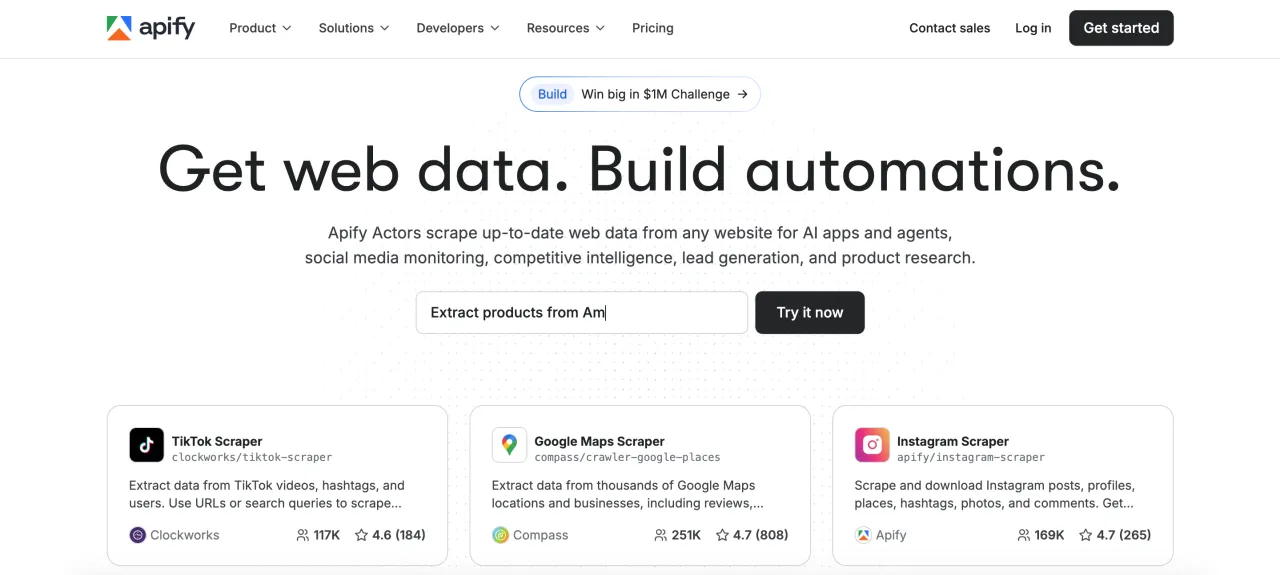
Apify is more of a platform than just a scraper. You can build your own scrapers, run ready-made ones, schedule tasks, store results, and even sell your scrapers on a marketplace. If you need flexibility and are not afraid of a learning curve, Apify is a very powerful solution. It’s often used for complex scenarios and long-running tasks.
Key features:
- Thousands of ready-made scrapers (Actors)
- Headless browser support
- Strong API and SDK
- Built-in storage and scheduler
Pros:
- Maximum flexibility
- Suitable for both small and very large projects
- Active community and marketplace
Cons:
-
Can take significant time to learn
3. Bright Data
Official website: https://brightdata.com
Free trial: No
Price: Pay-as-you-go, depends on the plan; on average about $1 per 1,000 requests
Discounts: 25% discount for new users
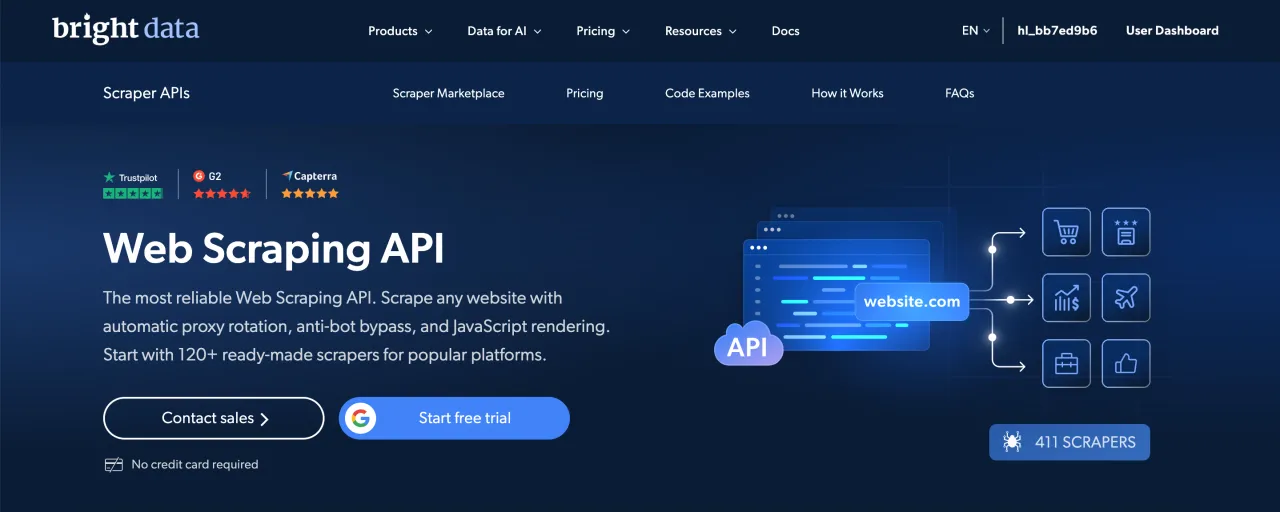
Bright Data is an enterprise-level solution. It is primarily known as a proxy provider, but its web scraping tools are also very powerful. Bright Data is ideal for cases where simpler solutions fail, especially when working with heavily protected websites. They offer both API-based solutions for developers and no-code web scraping for non-technical users.
Key features:
- Huge proxy pool
- Web Scraper API and no-code scraper
- Ready-made datasets
- Advanced geo-targeting
Pros:
- Maximum reliability, especially at scale
- Works well with complex targets
- Enterprise-grade support
Cons:
-
High price
4. Octoparse
Official website: https://octoparse.com
Free trial: Free version available with limitations
Price: From $83 per month
Discounts: 16% with annual billing
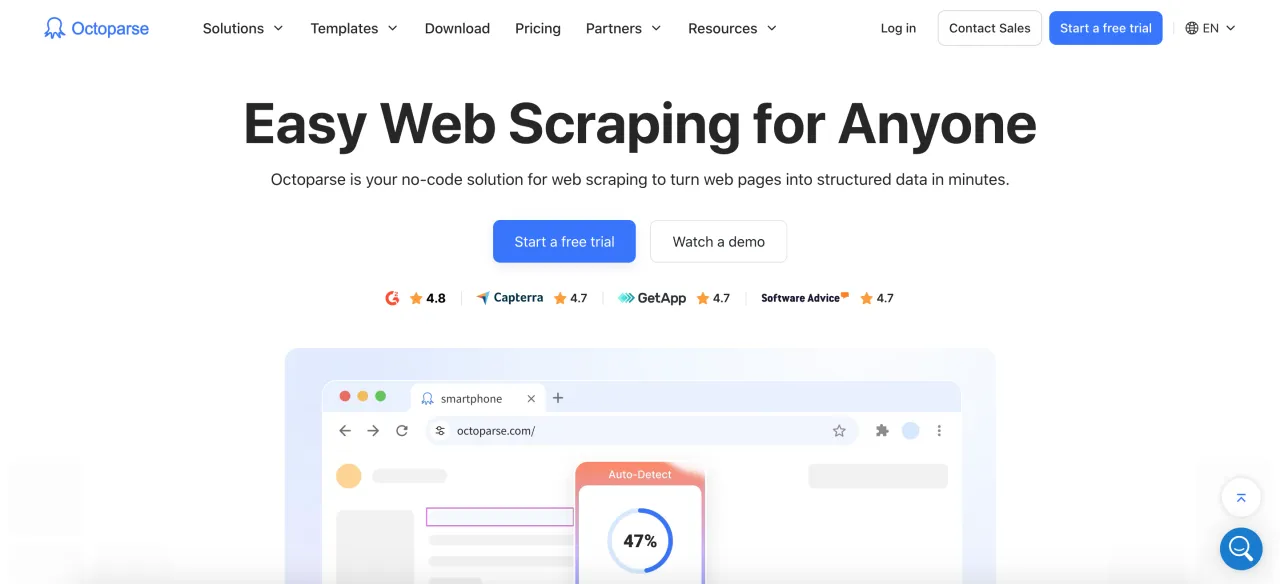
Octoparse is a classic no-code scraper with a visual interface. It has been on the market for many years and is popular among marketers and analysts. Tasks can be run locally or in the cloud, which is convenient if you don’t want to keep your computer running all the time.
Key features:
- Visual point-and-click builder
- Cloud scraping
- Support for pagination, scrolling, and logins
- Export to multiple formats
Pros:
- Easy to use
- Good documentation
- Free plan for testing
Cons:
-
High price
5. ScrapeDO
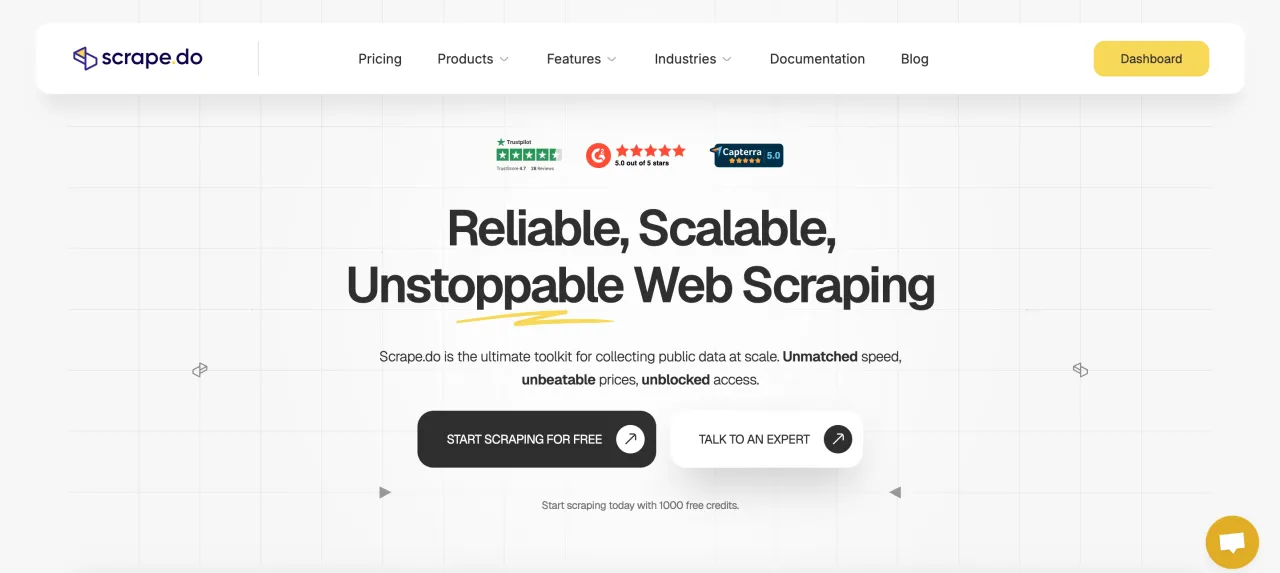
Official website: https://scrape.do
Free trial: Yes, 1,000 credits available
Price: From $29 per month
Discounts: No annual discounts
This is a reliable and scalable API-based web scraping tool, well suited for projects where stability matters more than visual interfaces.
Key features:
- High uptime
- Smooth CAPTCHA bypass
- Simple API
Pros:
- Works well with protected resources
- Transparent pricing model
Cons:
-
May feel complex for beginners
6. Thunderbit
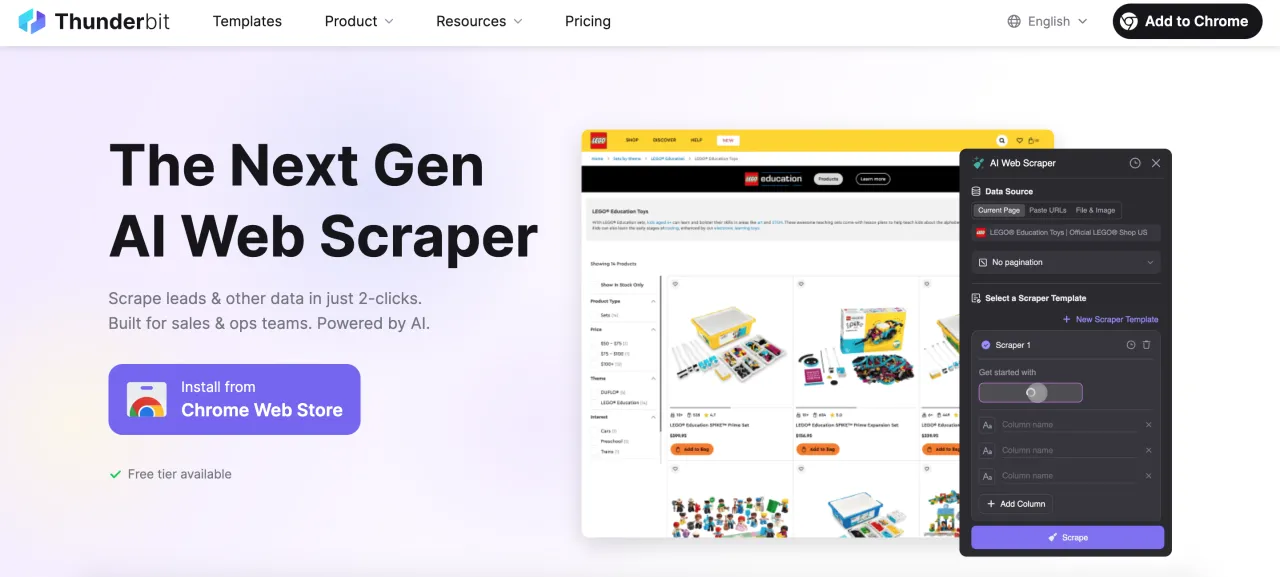
Official website: https://thunderbit.com
Free trial: Yes, 6 pages per month for free
Price: From $15 per month
Discounts: 20% with annual billing
Thunderbit is a browser-based scraper focused on speed and simplicity. AI-powered suggestions help quickly identify and extract common data like prices or product names. It’s well suited for quick tasks, sales teams, and research.
Key features:
- AI field suggestions
- Ready-made templates
- Browser extension + cloud runs
- Easy data export
Pros:
- Instant start
- No technical skills required
- Clean and intuitive interface
Cons:
- Very limited free plan
- Not suitable for large volumes
7. Axiom
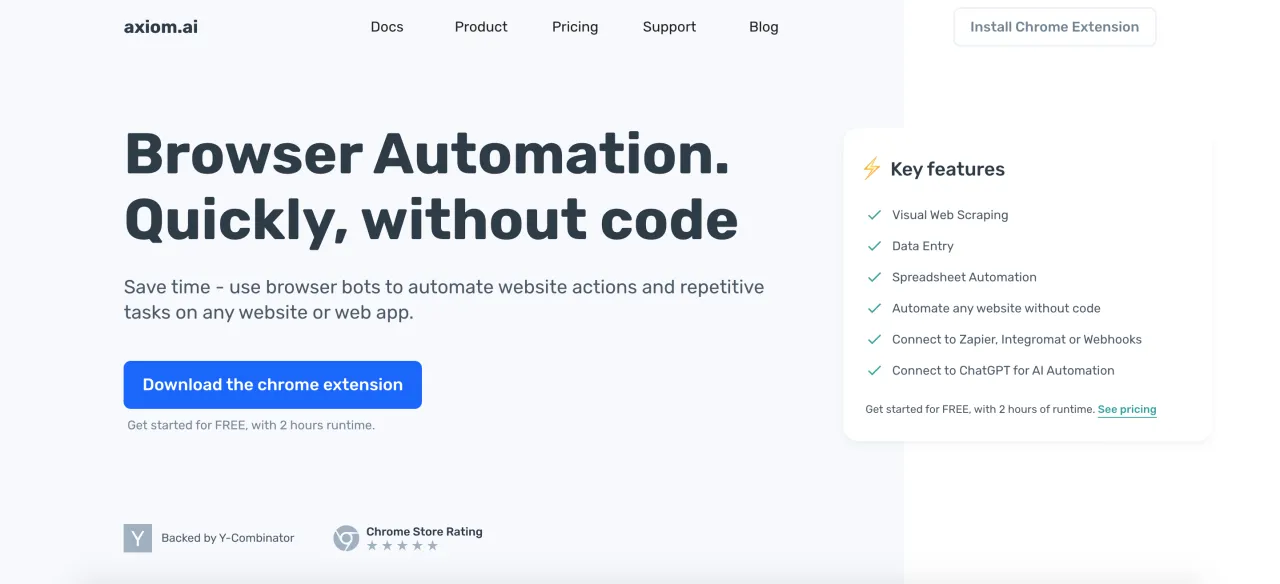
Official website: https://axiom.ai
Free trial: Yes (2 hours of bot runtime)
Price: From $15 per month
Discounts: Not available
Axiom is aimed at non-technical users who want to automate browser actions. It works as a Chrome extension and allows you to visually build scraping or automation workflows. You literally "show" the tool what to do — click here, extract this, scroll there — and after setup, it repeats the process.
Key features:
- No-code visual automation
- Works directly in the browser
- Support for dynamic pages and logins
- Integrations with Google Sheets and Zapier
Pros:
- Very beginner-friendly
- Fast setup
- Suitable for small and medium tasks
Cons:
- Not suitable for large-scale scraping
- Essentially built for automation rather than pure web scraping
8. Browse AI
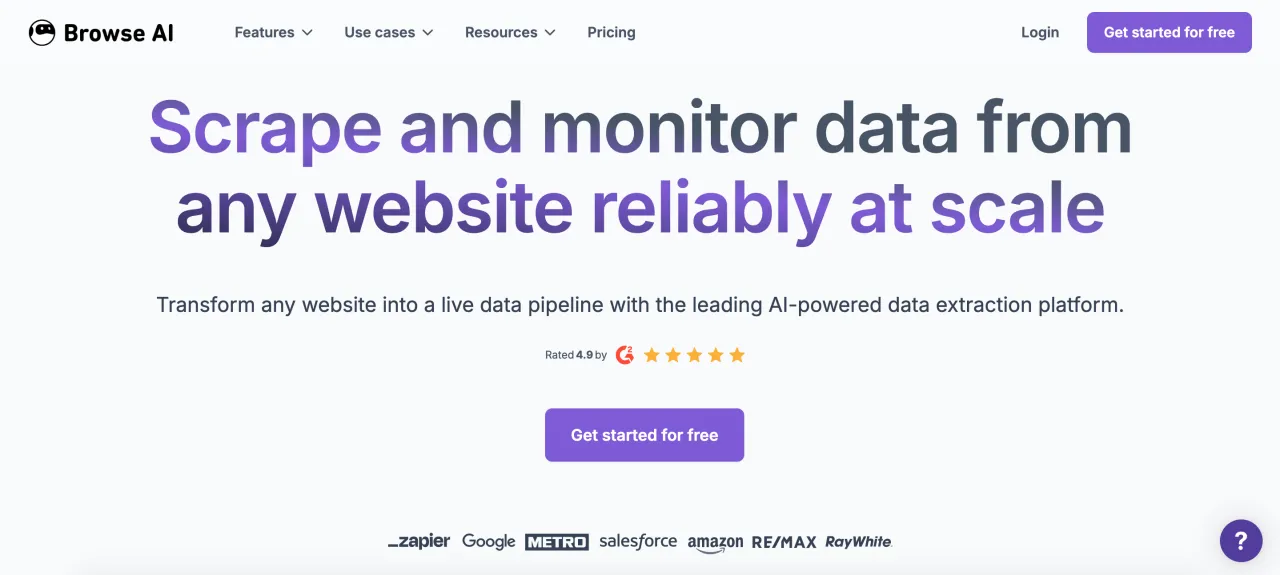
Official website: https://browse.ai
Free trial: 50 credits per month, up to 2 websites
Price: From $48 per month
Discounts: 20% with annual billing
Browse AI is especially good for monitoring changes on websites. You train a "robot" once, and then it regularly checks the site on a schedule. This is convenient for tracking prices, content updates, or catalogs.
Key features:
- Visual robot training
- Scheduled monitoring
- Support for multi-step workflows
Pros:
- Excellent for continuous monitoring
- No code required
Cons:
- High price
- Not suitable for large volumes
Proxies for web scraping
No matter how good a scraper is, proxies play a crucial role. Without them, you will get blocked very quickly. For web scraping, the most optimal option is rotating residential proxies, as they look like real users and are harder to detect. Datacenter proxies can also work — they are cheaper and faster, but get blocked more often. Everything depends on the data volume, request frequency, and the specific websites you plan to scrape. That said, for web scraping, we recommend rotating residential proxies, especially when working with large datasets.
Where to get proxies
It’s important to understand that many of the tools listed above already include built-in proxies, so you don’t need to buy them separately. However, if a scraper does not provide its own proxies, you will need to purchase them yourself.
You can choose a suitable proxy provider on our page: Rotating Residential Proxies
Here is also a list of the top 5 proxy providers suitable for web scraping:
1. Floppydata
Proxy Type
Mobile Proxies, Residential Proxies, ISP Proxies, Datacenter Proxies
Pool of IPs
2M+ IP
Date established
2024
Headquarters
United Arab Emirates
Pros & Cons
- Simple and intuitive interface
- Low prices for residential and mobile proxies
- Users give positive feedback
- Unused traffic is carried over to the next month
Price: $1/GB with a monthly subscription and $1.5/GB with pay-as-you-go.
2. Proxy-Seller

Proxy Type
Mobile Proxies, Residential Proxies, Individual IPv6 Proxies, ISP Proxies, Datacenter Proxies
Pool of IPs
20M+ IP
Date established
2014
Headquarters
Cyprus
Pros & Cons
- High-quality proxies
- Competitive prices
- Wide selection of proxies
- Convenient payment methods
- 24/7 support
Price: Depends on purchase volume and ranges from $1.45–$3.00/GB with a monthly subscription or $3.5/GB with pay-as-you-go.
3. DataImpulse

Proxy Type
Mobile Proxies, Residential Proxies, Datacenter Proxies
Pool of IPs
90M+ IP
Date established
2023
Headquarters
United States
Pros & Cons
- Low proxy cost
- State/City/Zip/ASN Targeting
- Pay-as-you-go (traffic does not expire)
- No free trial
Price: $1/GB with pay-as-you-go.
4. Novada

Proxy Type
Mobile Proxies, Residential Proxies, ISP Proxies, Datacenter Proxies
Pool of IPs
160M+ IP
Date established
2025
Headquarters
Germany
Pros & Cons
- Discounts for large orders
- Wide selection of proxies
- 24/7 support
- A new proxy provider
- Poor customer support
Price: Depends on purchase volume and ranges from $2.3–$0.78/GB with a monthly subscription.
5. BrightData

Proxy Type
Mobile Proxies, Residential Proxies, ISP Proxies, Datacenter Proxies
Pool of IPs
150M+ IP
Date established
2014
Headquarters
Israel
Pros & Cons
- Popular and reliable company
- High-quality, ethically sourced proxies
- Flexible pricing (including pay-as-you-go)
- Excellent choice for those who need proxies and web scraping tools
- Above-average cost
Price: Depends on purchase volume and ranges from $2.50–$3.50/GB with a monthly subscription or $4.00/GB with pay-as-you-go.
Conclusion
There is no single best web scraping tool, because different users have different needs, and different tools are designed to solve different tasks. As a result, one web scraper may be a good choice for one user, while another tool may be more suitable for someone else.
For example, if you are not a developer and want to scrape data without complex setup, it makes sense to consider browser-based tools such as Octoparse or Thunderbit. For flexibility and scale, Apify or ScraperAPI are better choices. And if you are working with heavily protected websites or enterprise-level tasks, BrightData remains one of the strongest options. Whichever tool you choose, always test before scaling and keep a close eye on costs.