Antidetect browsers (anti-fingerprint browsers) create isolated profiles with unique settings and proxies, simulating different users. This makes it possible to run many accounts at the same time without the risk of bans. In other words, websites see you as "different devices", not as one computer. Such tools are especially popular in traffic arbitrage, SMM, and affiliate marketing — anywhere you need to "mask" yourself as different users.
Why you need antidetect browsers
Regular browsers have a persistent digital fingerprint that platforms use to easily link accounts to each other, even if you change IP addresses for each session. An antidetect browser allows you to flexibly modify these parameters and emulate different "hardware" In addition, the key rule is "one profile – one IP": using separate proxies for each profile ensures that accounts are not linked by IP. In other words, the combination of a unique fingerprint via an antidetect browser and a reliable proxy provides full session masking.
If you do not know which proxy to choose, we reviewed them here: Proxies for multi-accounting.
What to consider when choosing an antidetect browser
-
Fingerprint configuration: the number of adjustable parameters (User-Agent, screen resolution, geolocation, WebRTC, etc.). The more options you have to substitute the digital "fingerprint", the harder it is to detect profiles.
-
Proxy support: supported types (HTTP/HTTPS, SOCKS4/5, SSH). In general, all antidetect browsers from the list below integrate with proxies without issues.
-
Automation: availability of RPA tools (action recording), a local API, or a synchronizer for simultaneous control of a group of windows. This is important for large-scale tasks when you need to repeat actions across dozens of profiles.
-
Team access: the ability to create multiple users with different roles and permissions. In large teams, browsers with a flexible staff management system are especially valued.
-
Platforms and interface: OS support (Windows, macOS, Linux) and interface usability. Regular engine updates (for example, Chrome updates) increase security. You should also pay attention to interface friendliness, the intuitiveness of the control panel, and the availability of documentation.
-
Pricing and trial periods: the size of the free plan or the length of the trial period matters. Many services offer free profiles or a test period to evaluate functionality.
Now let’s look at the best antidetect browsers that you can confidently use for multi-accounting.
1. Dolphin {Anty}
Official website: https://dolphin-anty.com/
Free plan: yes, 5 profiles are provided for free.
Pricing: If you need more than 5 profiles or premium features, the "Starter" plan (20 profiles) costs $10/month, "Base" (100 profiles) — $89/month, "Team" (300 profiles) — $159/month, "Enterprise" (1000 profiles) — $299/month.
Discount: When paying for 6 months or more in advance, a 20–40% discount + an additional 20% discount with the promo code MYRATING.
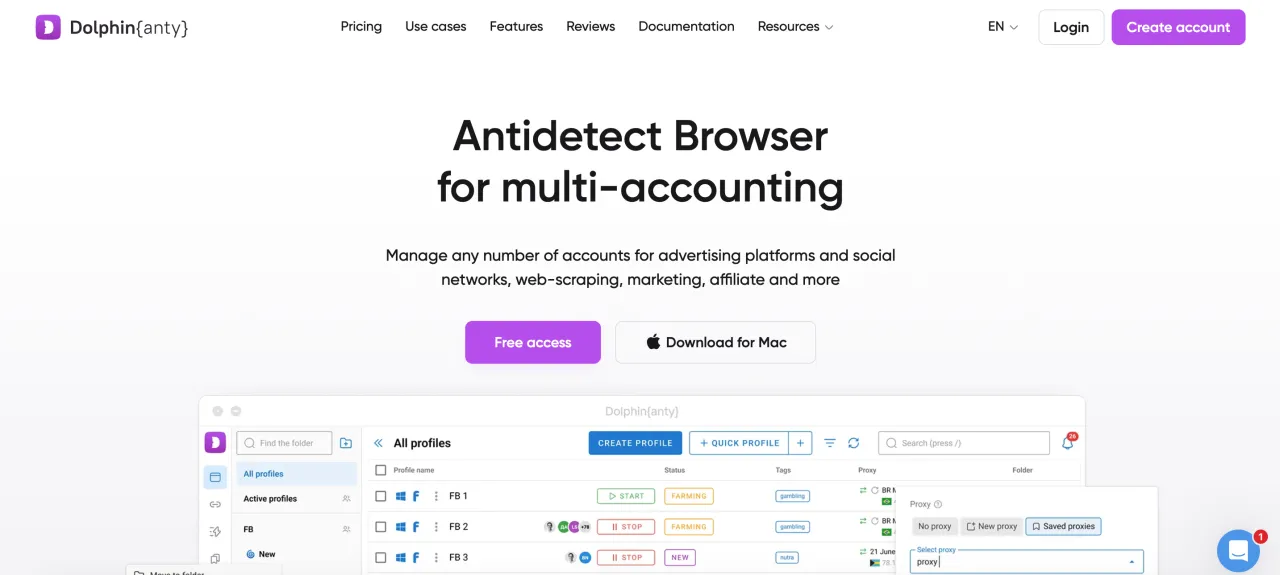
Dolphin Anty is a Chromium-based antidetect browser for multi-accounting. Each profile is isolated with its own fingerprint: you can change User-Agent, Canvas, WebGL, WebRTC, time zone, and more. Profiles work on all popular OS (Windows, macOS, Linux). The system allows you to create automation scenarios and synchronize actions by command (for example, in an RPA format). Dolphin Anty is suitable for traffic arbitrage and affiliate marketing, helping to "parallelize" work with a large number of accounts.
Key features: profile isolation, fine-grained fingerprint configuration, built-in scenario auto-tester (API/scripts), profile import/export, local and cloud profiles, easy integration with Excel/CSV tables. Overall, Dolphin combines multi-accounting tools with RPA capabilities.
Pros:
-
Wide fingerprint customization (in addition to standard browser parameters, you can emulate iOS/Android).
-
Built-in proxy support (HTTP/SOCKS5/SSH) and a "cookie robot" for automatic cookie collection during logins.
-
Team tools: you can share profiles between users.
-
A free plan (5 profiles) for testing services.
Cons:
-
None identified.
2. Linken Sphere
Official website: https://ls.app/
Free plan: yes, 5 profiles are provided for free.
Pricing: several plans are available. For example, Pure — $30/month (10 sessions), Light — $90 (100 sessions), Pro — $160 (300), Premium — $300 (1000).
Discount: When paying for 6 months or a year in advance, a 10–20% discount + an additional 20% discount with the promo code CAPROXY.
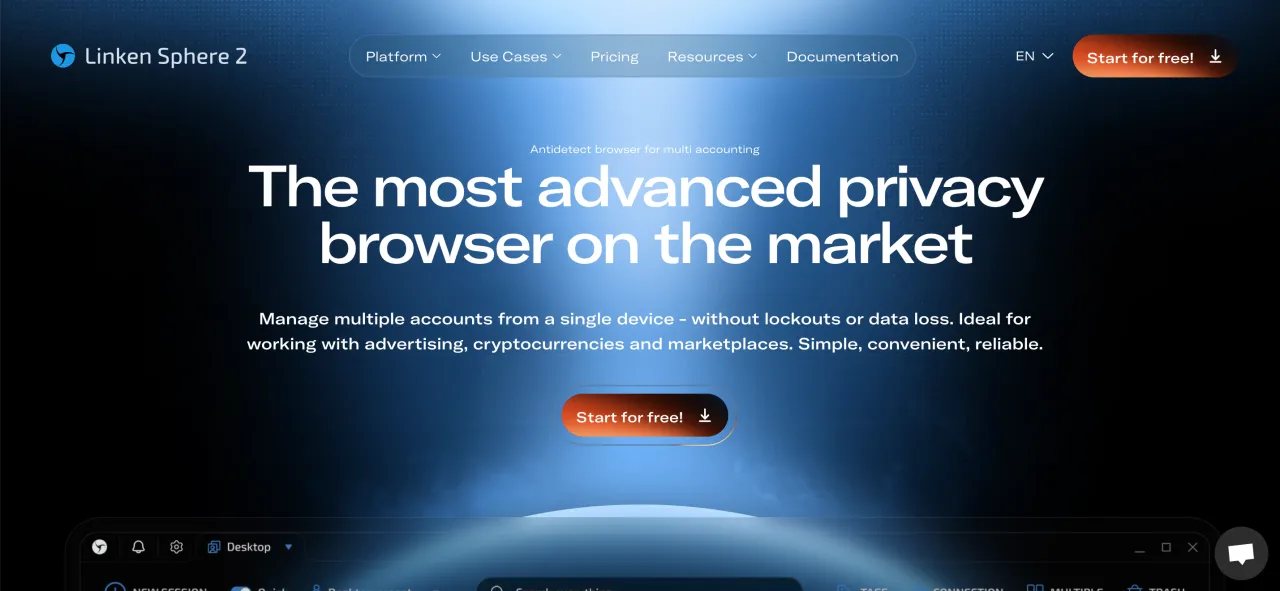
Linken Sphere is one of the most discussed antidetect browsers, first released in 2017 by Tenebris. It is aimed at advanced users who require full control: here you can manually configure all browser parameters, hardware data, and sessions. The interface contains a large number of settings for editing fingerprints, proxies, and device emulation — this is a powerful but complex tool. Notably, Linken Sphere does not include a built-in proxy marketplace: all proxies (IP, port, login/password) are entered manually.
Features: manual profile isolation, deep fingerprint customization, support for "live" fingerprints, browser core emulation (Chromium core + additional modules), integration with Selenium/Playwright (API available), management of concurrent sessions.
Pros:
-
Very flexible configuration: you can finely edit more than 25 fingerprint parameters (hardware IDs, form factor, screen resolution, etc.).
-
Suitable for working with a large number of accounts where "maximum control" over all environment details is important.
Cons:
-
Complex interface for beginners — non-intuitive and overloaded with settings.
-
High pricing of plans.
3. GoLogin
Official website: https://gologin.com/
Free plan: not available. A 7-day trial of paid plans is offered.
Pricing: Professional — $49/month (100 profiles), Business — $99 (300), Enterprise — $199 (1000). There is also a custom plan at $299 (2000 profiles).
Discount: 50% when paying annually.
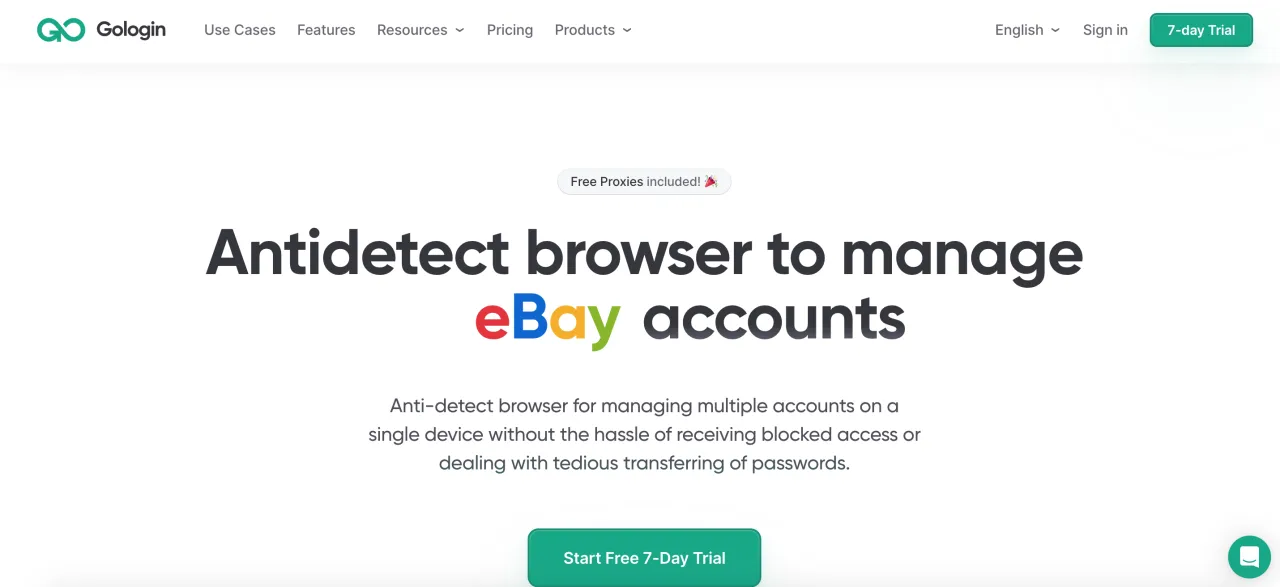
GoLogin is a balanced solution for multi-accounting, based on its own Orbita core (Chromium). It supports Windows, macOS, and Linux, as well as an Android app. Notable features include built-in free residential proxies (up to 5 locations) for testing, simple profile import/export tools, and integration with Selenium/Puppeteer. The frontend is beginner-friendly; there are templates and "mass actions" for batch launching profiles. The system is regularly updated — the core is updated together with Chrome releases.
Features: support for 50+ fingerprint parameters, automation API, window synchronization (Mass Actions), profile templates, team collaboration (admin + managers), local API. Free HTTP(S) and SOCKS5 proxies are also included.
Pros:
-
Intuitive interface and frequent core updates, which improve reliability.
-
2GB of free residential proxies included in each plan. Although we do not recommend residential proxies for multi-accounting, ISP or mobile proxies are preferable.
-
Mobile app and cloud interface; some sessions can be launched without installing a desktop client.
Cons:
-
According to reviews, the stated 7-day trial often does not work; users receive "your plan has expired" messages immediately after installation.
-
The interface may seem excessive to some (requires time to learn), and basic trial functionality is limited.
4. AdsPower
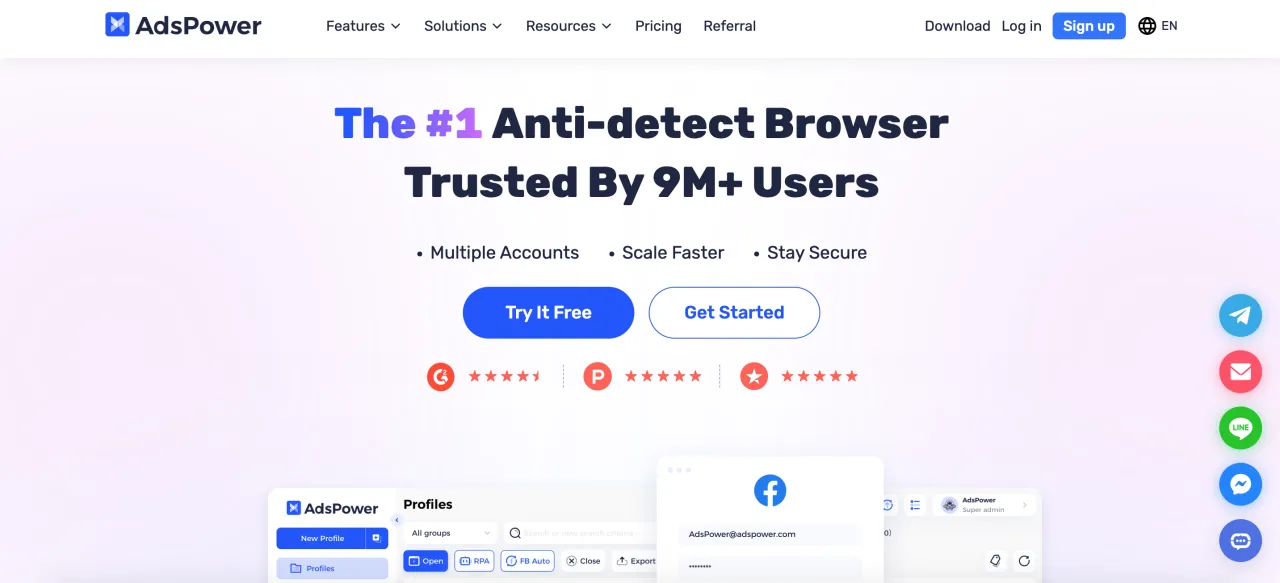
Official website: https://adspower.com/
Free plan: yes, provides 2 profiles for free (forever).
Pricing: Professional package (10 profiles) — approximately ~$5.4/month with annual billing (including discount). More precise rates depend on the number of profiles: packages for 20/50/100 profiles are available. The cheapest paid option starts at ~$9/month for a 10-profile annual plan.
Discount: 10–20% with quarterly or annual billing.
AdsPower is a multi-account browser with two engines: Sun Browser (Chromium) and Flower Browser (Firefox). It allows you to create dozens of profiles, each with its own fingerprint (50+ configurable parameters). A key feature is the built-in RPA mechanism and "synchronizer": you can record action scenarios and replay them across 100 profiles at once. There is a local API for integration and a "local robot" mechanism without coding skills. AdsPower supports standard proxies (HTTP, HTTPS, SOCKS5, SSH) and bulk import of proxy lists. AdsPower also offers "Cloud Phone" — remote Android devices for managing mobile accounts (see the Cloud Phone section on the website).
Features: Chrome/Firefox-based antidetect browser, fingerprint management system, local API, RPA robot (macro recording), window synchronization (Synchronizer), action templates, team management, local activity logs.
Pros:
-
Two browser engines (Chromium and Firefox), built-in action synchronizer, RPA automation tool.
-
Local API support and configurable roles; user-friendly interface according to reviews.
Cons:
-
The interface looks less "advanced" and requires configuration. Possible issues with a large number of concurrent sessions (may slow down with 50+ open profiles).
5. MultiLogin
Official website: https://multilogin.com/
Free plan: no, only paid subscriptions. A 3-day trial is available (for €1.99).
Pricing: starter plan from ~$10/month for 10 profiles; then plans for 50, 100, and more profiles.
Discount: 35% with annual billing + an additional 30% discount with the promo code CAPYRATE.
MultiLogin is one of the most well-known antidetect browsers on the market, focused on business and serious multi-accounting tasks. It allows you to create deep, fully isolated profiles, each with unique browser fingerprints and network characteristics. Importantly, the price includes rotating residential proxies, meaning you do not need to purchase proxies separately.
Features: full profile isolation (cookies, LocalStorage, WebRTC, fingerprints), bulk operations and group profiles, scalability for business use.
Pros:
-
Deep profile isolation: each profile has a separate environment, cookie storage, and fingerprint, minimizing the risk of mechanical account linking.
-
Team collaboration: convenient tools for user management and role distribution.
Cons:
-
Above-average pricing: plans are more expensive than many competitors, especially if you need dozens or hundreds of profiles.
-
No free base plan: only a trial version, after which you must switch to a paid plan.
6. NSTBrowser
Official website: https://nstbrowser.io/
Free plan: yes, the free subscription allows up to 10 profile launches per day. If you need more than 10 launches, you can pay per use (approximately 1 cent per launch). Overall, these are excellent terms if you do not use an antidetect browser every day.
Pricing: Professional subscription $299/month (up to 3000 launches/day), Enterprise $599/month (100k launches/day).
Discount: 40% with annual billing.
NSTBrowser is an advanced antidetect browser with automation. Each "environment" (profile) runs in an isolated virtual environment with its own fingerprint. The platform is primarily designed for team use. It includes an RPA tool (recording and playback of actions), a window synchronizer, and a script marketplace for automating routine tasks. An API is available for integration (supports Puppeteer, Playwright, Selenium). A key feature is "automatic" fingerprint creation and management of many windows (parallel control of dozens of browsers). There is also employee management, permission separation, and team collaboration.
Features: environment creation and management, automatic fingerprint generation, RPA automation, window synchronization, script marketplace, HTTP/SOCKS5 proxies, team collaboration, scalability (profiles, launches). CLI/API is available for integration.
Pros:
-
Free version for small tasks: includes 10 profile launches per day.
-
Powerful automation toolkit (RPA scenarios, API, synchronizer) and advanced profile organization.
-
Team features: user administration, team separation, shared access.
Cons:
-
According to user reviews, there can be issues with authorization (browser verification) and lack of оператив support: support is available only via Discord.
-
The interface is quite complex and aimed at advanced users. Some complain about bugs (during installation/launch), although developers often release updates promptly.
7. MoreLogin
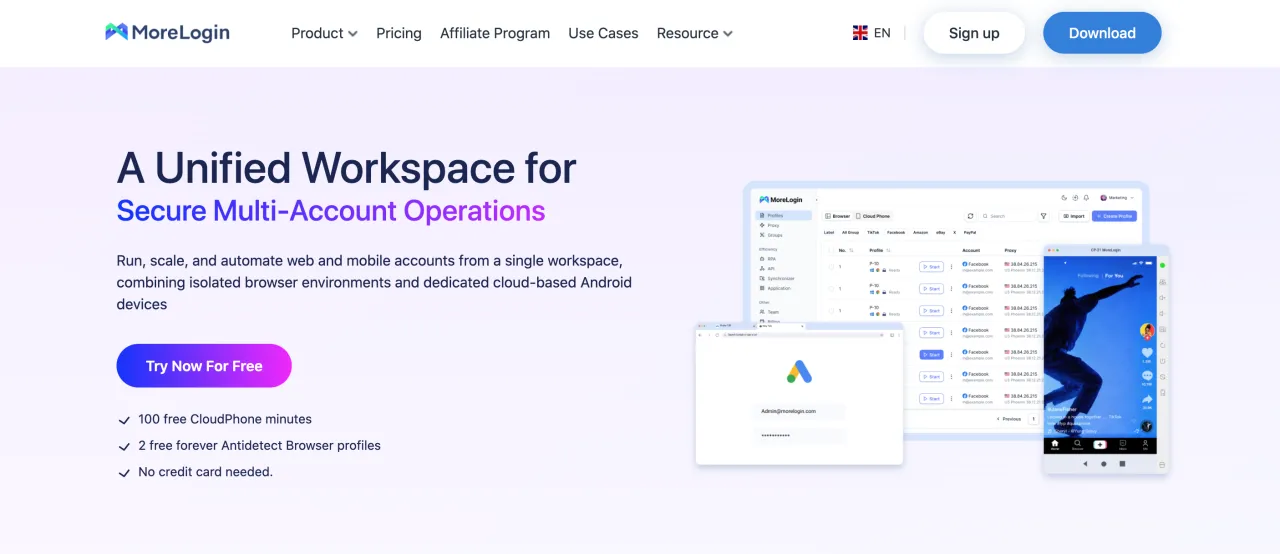
Official website: https://morelogin.com/
Free plan: yes, 2 profiles and 2 users for free (the "Free" plan).
Pricing: Professional plan ("Pro") — $9/month for 10 profiles (with annual billing ~$5.4/month); custom solutions are also available. There is integration with cloud Android (Cloud Phone) with hourly billing (usage time of Android devices).
Discount: 40% with annual billing.
MoreLogin is a budget antidetect browser from China, focused on mobile traffic. It supports Chrome and Firefox engines and includes a built-in "Cloud Phone" option—virtual Android devices for managing mobile accounts (see the Cloud Phone section on the website). The browser allows you to create profiles with unique fingerprints, supports Teams (2 users in the free plan), and provides an API for automation. The interface includes convenient action synchronization (as in RPA) and a "steering wheel" for cookie analysis. There is also a local API for scripts and action templates.
Features: antidetect browser with profile isolation, Chrome/Firefox support, built-in Cloud Phone (Android), RPA synchronizer, local API, simplified cookie and proxy management.
Pros:
-
Very low cost: free plan for 2 profiles, then $9/month for 10 profiles.
-
Cloud Phone for mass management of mobile accounts. Android app automation is supported.
Cons:
-
The interface is still "raw" and primarily oriented toward the Chinese market. It may feel unfamiliar for Western users.
-
In the free plan and entry level, features are limited (the synchronizer is available only with Pro, Cloud Phone is extra). Support is slower than with Western alternatives.
8. GeeLark
Official website: https://geelark.com/
Free plan: yes — a Free Trial provides 2 profiles and 30 minutes of test time.
Pricing: a specialized model with subscriptions and hourly billing for virtual devices. For example, the basic plan ($5/month) — 5 profiles + 60 minutes, professional ($19/month) — 20 profiles + 60 minutes. After the included time is used, each virtual phone is billed at $0.007 per minute with a daily cap of $1/day. Thus, the final price depends on Cloud Phone usage intensity.
Discount: 25% with annual billing.
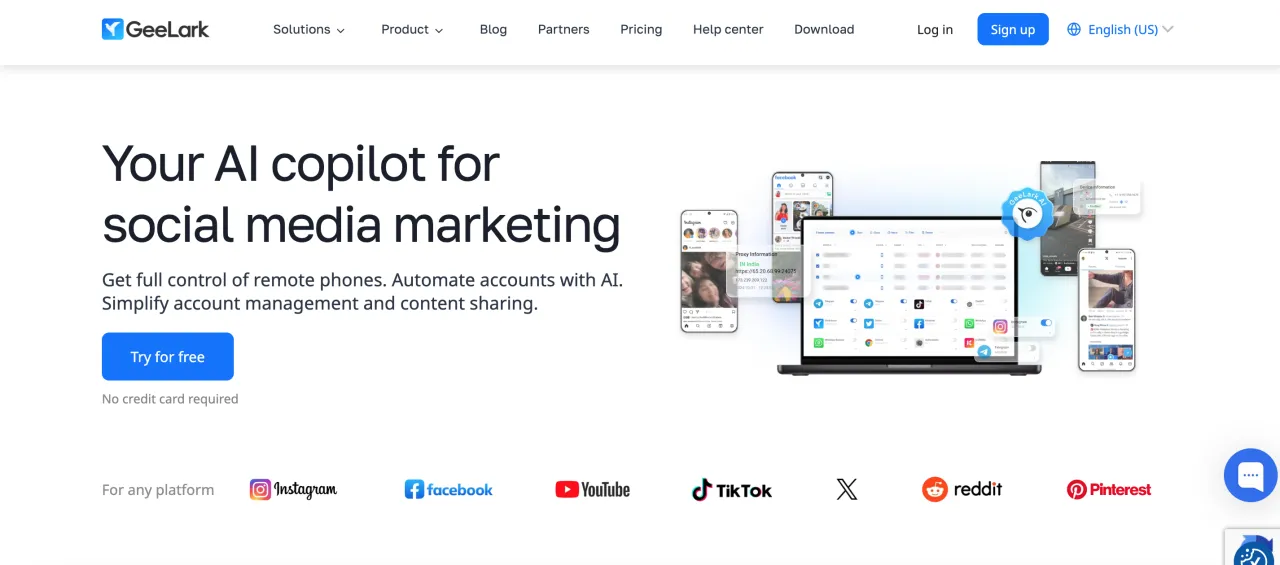
GeeLark is primarily a cloud platform of virtual Android devices (Anti-Detect Cloud Phone). Each "profile" is a full Android smartphone (versions 13–15) in the cloud, with its own IMEI and device fingerprint. In addition to mobile profiles, GeeLark also includes an antidetect browser for web tasks, allowing you to manage both web and mobile accounts from a single interface. Users can install any apps from Google Play, run automation scripts (built-in automation marketplace, AI tool integrations), and work in parallel with multiple emulators via a synchronizer. Team collaboration tools are included: administrators can create teams, assign roles, and securely share profiles.
Features: GeeLark combines an antidetect browser and Cloud Phone. Features include creating and cloning cloud profiles (configurable proxies, Geo, IMEI, etc.), installing any mobile apps, AI assistants, action synchronizer for group operations, profile monitoring, leak protection, and integration with external proxies (HTTP/SOCKS5).
Pros:
-
Virtual Android phones: hundreds of simultaneously available smartphones with unique mobile fingerprints (IMEI, etc.), enabling management of social networks and mobile apps "like real phones".
-
Automation and AI: built-in script marketplace, support for any apps, AI features (content creation, auto-posting tasks, etc.).
-
Synchronizer: allows you to perform the same actions on multiple virtual phones at once, which is convenient for mass account management.
-
Team collaboration: you can involve colleagues and distribute access rights. The free trial allows adding one teammate.
Cons:
-
Complex pricing: in addition to the monthly subscription, you must pay for emulator runtime. You initially get several dozen minutes for free, then hourly billing applies, which complicates budget forecasting.
-
Technical issues: under heavy load, emulator performance may slow down (allocated resources may be insufficient). Some users report periodic lags and relatively slow support.
9. OctoBrowser
Official website: https://octobrowser.net/
Free plan: no, only paid subscriptions.
Pricing: several packages are available. For example, Lite — €10/month (3 profiles), Starter — €29/month (10 profiles). More expensive plans follow: Base — €79 (100 profiles), Team — €169 (350 profiles, 3 members), Advanced — €329 (1200 profiles).
Discount: 10–30% with 3 to 12 months of prepaid billing.
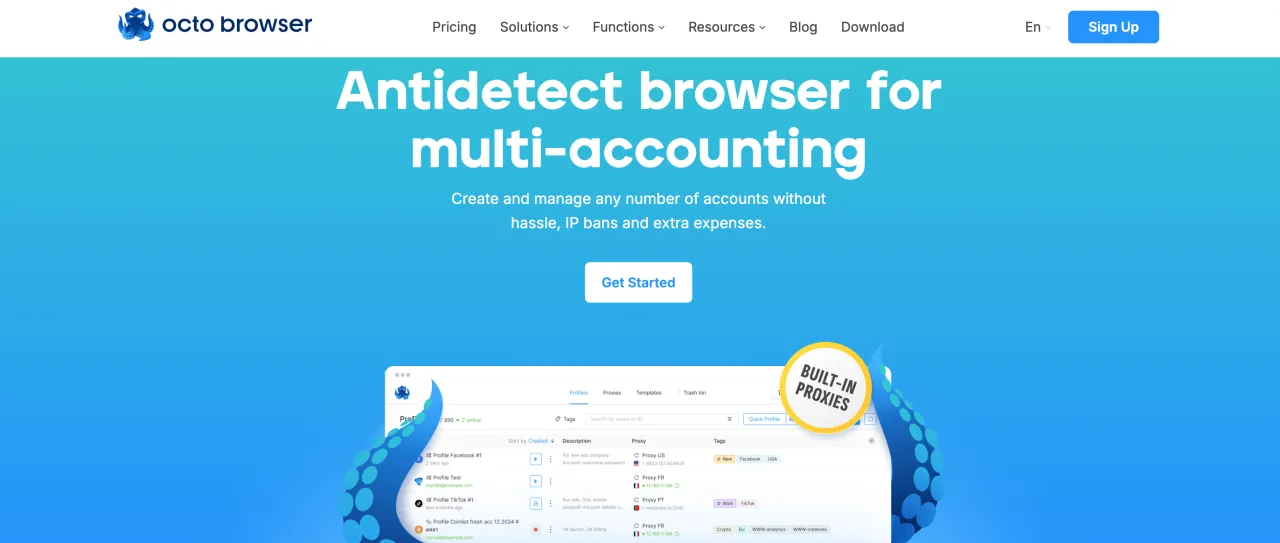
OctoBrowser is a Chromium-focused antidetect browser for multi-accounting. It allows you to manage many independent profiles simultaneously, manually configuring each fingerprint. The focus is on usability: the interface is generally friendly, with a session manager, profile grouping, and an API for automation. The browser is actively maintained, with regular updates and support for anti-fraud technologies.
Features: multi-profile sessions, fingerprint configuration, profile grouping and sorting, built-in proxy manager (HTTPS, SOCKS5, SSH), API access, profile launch history, automated screenshot capture, session status tracking. Includes "Live Preview" of profiles and bulk editing features.
Pros:
-
Ease of use and high speed: users praise Octo for fast performance and a clear interface.
-
Broad profile management capabilities: advanced fingerprint configuration, multi-accounting, and API support.
Cons:
-
Limited number of team members (8 in the most expensive plan); if you need more, you must pay extra.
-
Pricing is noticeably higher than some alternatives (e.g., €10 for 3 profiles and €29 for 10 profiles). Some consider these prices high for the feature set.
10. Vision
Official website: https://browser.vision/
Free plan: no. Only a short 4-day trial is available (Telegram account linking is required to activate it).
Pricing: $29/month for 50 profiles, $79/month for 150 profiles, $129/month for 300 profiles, $189/month for 500 profiles. Pricing also depends on the number of team members (by default, only 2 team members are included in plans).
Discount: 20–30% with 6 to 12 months of prepaid billing.
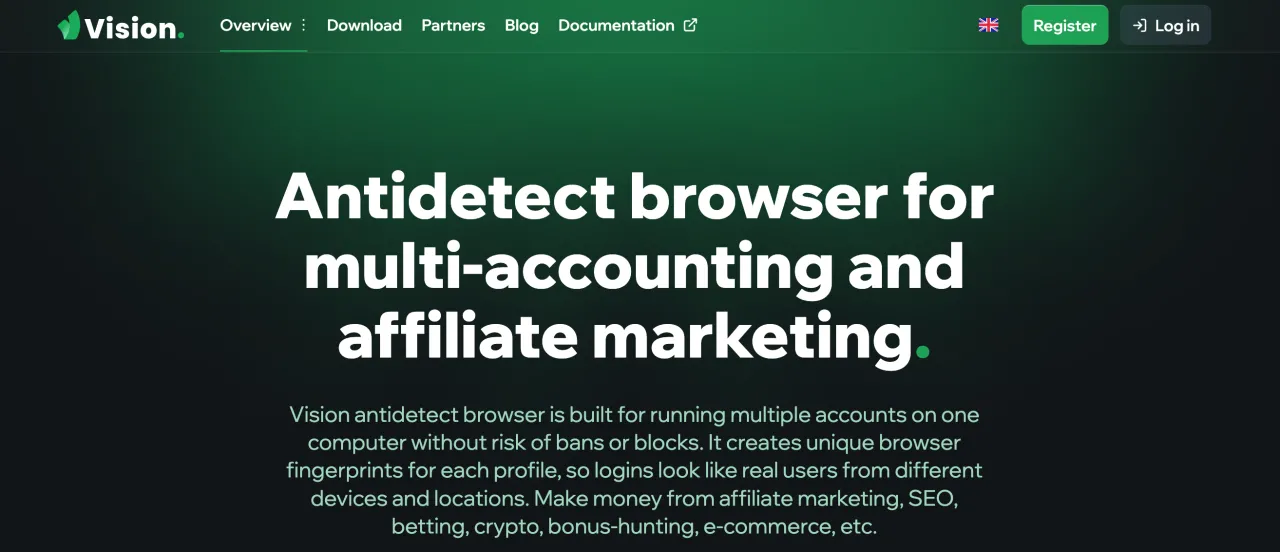
Vision is a relatively new antidetect browser with a focus on user convenience. The interface stands out with a clean design and a folder-based structure: before creating profiles, you must create at least one "folder" within which accounts can be conveniently grouped. A profile can be configured with numerous parameters (hardware properties, OS, screen resolution, etc.) via advanced settings. Vision’s documentation подробно describes the API for automation, which is convenient for advanced users.
Features: advanced fingerprint configuration (hardware parameters, geolocation, network), hierarchical management of folders and profiles, batch profile operations, built-in Vision API for automation, TCP/IP proxies (HTTP/SOCKS4/5/SSH), action synchronization (mass start/stop), profile import/export.
Pros:
-
Continuous improvements: developers respond quickly to feedback (users mention "lightning-fast" addition of new features and fixes).
Cons:
-
No free plan: there are no free profiles, only a trial version.
-
Product maturity: Vision is still "young" and does not yet have a proven reputation. According to reviews, some are concerned about potential instability or limited functionality.
Proxies for antidetect browsers
Choosing the right proxy is no less important than choosing the browser itself. A proxy defines the outgoing IP address — if it is reliable and "clean", the risk of bans is reduced. The formula is simple: "one profile – one IP" If multiple profiles use the same proxy, the system will inevitably link these accounts to each other. Therefore, each profile must be assigned a unique proxy.
Usually, several types of proxies are distinguished:
-
Datacenter proxies — not recommended for multi-accounting, as they are easy to detect.
-
Rotating residential proxies — acceptable, but only with sticky sessions. In this case, billing is based on traffic (on average, $3 per GB) and they are suitable if you need many accounts with minimal or infrequent activity.
-
Static ISP proxies — the best choice where 1 proxy = 1 account. Billing is per IP address (on average, $4 per IP per month), and such proxies have unlimited traffic. An excellent option if you need stable activity for long-term accounts.
-
Dedicated mobile proxies — an excellent option, for example, for account farming, when you need to create many accounts or work with many accounts on an irregular basis. In this case, you pay for an unlimited mobile proxy whose IP can be changed on demand. You add the same proxy for all accounts, but you must change the IP address before each account switch. Thus, for about $40 per month, you get hundreds or thousands of different IP addresses, which are considered the most reliable among other proxy types.
To make account "seeding" as safe as possible, each browser session should go through a high-quality proxy with suitable geolocation. For example, when working with foreign websites, it is better to choose proxies in the target country.
Where to get proxies for an antidetect browser?
You can select a proxy provider yourself by filtering by the parameters you need: proxy provider ratings.
There are also ready-made pages filtered by proxy types:
And if you do not have time to search for a suitable proxy provider, below is a list of the best providers for multi-accounting:
Proxy-Seller

Proxy Type
Mobile Proxies, Residential Proxies, Individual IPv6 Proxies, ISP Proxies, Datacenter Proxies
Pool of IPs
20M+ IP
Date established
2014
Headquarters
Cyprus
Pros & Cons
- High-quality proxies
- Competitive prices
- Wide selection of proxies
- Convenient payment methods
- 24/7 support
Proxy-Cheap

Proxy Type
Mobile Proxies, Residential Proxies, Individual IPv6 Proxies, ISP Proxies, Datacenter Proxies
Pool of IPs
85M+ IP
Date established
2018
Headquarters
Lithuania
Pros & Cons
- User-friendly interface
- High-quality proxies
- Many payment options
- Wide range of plans
- Reliable proxy provider
- No volume discounts
Geonix

Proxy Type
Mobile Proxies, Residential Proxies, Individual IPv6 Proxies, ISP Proxies, Datacenter Proxies
Pool of IPs
15M+ IP
Date established
2019
Headquarters
Bulgaria
Pros & Cons
- Low-cost proxies
- There is a trial version for $1.99
- Plenty of additional tools
- The website design has many bugs
BrightData

Proxy Type
Mobile Proxies, Residential Proxies, ISP Proxies, Datacenter Proxies
Pool of IPs
150M+ IP
Date established
2014
Headquarters
Israel
Pros & Cons
- Popular and reliable company
- High-quality, ethically sourced proxies
- Flexible pricing (including pay-as-you-go)
- Excellent choice for those who need proxies and web scraping tools
- Above-average cost
Floppydata
Proxy Type
Mobile Proxies, Residential Proxies, ISP Proxies, Datacenter Proxies
Pool of IPs
2M+ IP
Date established
2024
Headquarters
United Arab Emirates
Pros & Cons
- Simple and intuitive interface
- Low prices for residential and mobile proxies
- Users give positive feedback
- Unused traffic is carried over to the next month
Conclusion
Antidetect browsers significantly simplify working with a large number of accounts on any online platforms. All the listed services (Dolphin Anty, Linken Sphere, GoLogin, AdsPower, NSTBrowser, MultiLogin, MoreLogin, GeeLark, OctoBrowser, and Vision) perform the core task — isolating profiles and allowing you to change fingerprints. The differences between them lie in functionality and usability.
When choosing a specific solution, it is important to consider your tasks: for example, whether mobile emulation is needed, how many profiles are required, and how much users are willing to pay. In almost all cases, you can start with a free plan or a trial (if available) to evaluate the interface and compatibility.
It is equally important to select the right proxies to pair with an antidetect browser — without them, there will be no "antidetect" effect. It is recommended to have one clean IP per profile (that is, different profiles should use different proxies). We discussed the nuances of proxies above, and you can find a full list of proxy providers on the page here, where you can choose a suitable provider based on your requirements.
Ultimately, the best antidetect browser is the one that combines the features you need (fingerprint settings, automation, team support, etc.) and performs well in combination with your chosen proxies. Careful testing and proper configuration will help you avoid bans and effectively manage many accounts without being blocked.
FAQ
- What is an antidetect browser?
- It is a browser that allows you to create multiple accounts, where each account generates a unique digital fingerprint so anti-spam systems cannot detect you.
- Is it legal to use antidetect browsers?
- Yes, using an antidetect browser itself is completely legal. However, the actions you perform with it may be illegal or may violate a platform’s terms of service.
- What is an antidetect browser used for?
- It is used for managing multiple accounts on a single platform or for account farming.
- Which antidetect browser should you choose?
- You can check the list of the best antidetect browsers in our article. Every user has different criteria such as price, usability, features, and more, so we cannot determine which antidetect browser will be the best fit specifically for you.
- Can you use an antidetect browser without proxies?
- Technically yes, but it is not recommended because all accounts will use the same IP address, making detection very easy. That is why it is important to use proxies together with an antidetect browser, following the rule: one account = one proxy (IP address).
- Which proxies are suitable for an antidetect browser?
- ISP proxies are usually the preferred choice, but depending on the number of accounts and the type of activity, other proxy types may also work. For more details, see our article: Proxies for multi-accounting






Олег
2026-02-26Gologin suited me best in terms of functionality and price. I’ve been using it for 2 months now, and everything’s been going smoothly.
ReplyPetr
2026-02-18I tried Vision because the price was reasonable, but for some reason it didn’t work for me—it’s too awkward and unfinished. I settled on Dolphianti; it’s not the cheapest option, but it’s very well thought-out and multifunctional.
Reply