Mobile proxies route your traffic through IP addresses assigned by real cellular carriers. 3G, 4G, 5G, LTE. Which means the sites you visit see a request that looks exactly like it came from someone browsing on their phone. That is a fundamentally different trust signal than a datacenter IP. Platforms that aggressively block bots, enforce geo-restrictions, or rely on IP reputation scores treat mobile carrier IPs with a much lighter hand, simply because there are hundreds of millions of them in circulation and flagging them indiscriminately would also block real users.
The pricing model matters just as much as the IP quality. Fixed monthly plans make sense if you have a predictable, high-volume workload. But a lot of teams do not. They run bursts of scraping jobs, seasonal ad verification campaigns, or occasional multi-account operations where paying for a fixed pool of traffic they will not fully consume is wasteful. That is exactly what pay-per-traffic (also called pay-per-GB) pricing solves: you buy a block of gigabytes, spend it at whatever pace you want, and do not waste money on idle capacity.
Below you will find eight providers that offer mobile proxies on a traffic-based model. Each has been evaluated on pool size, geographic coverage, protocols, rotation mechanics, and actual price per gigabyte.
What to Look for in a Pay-Per-GB Mobile Proxy
Pool size directly affects how often you cycle to a fresh IP. A provider with 2 million mobile IPs will serve you a different address far more reliably than one running a few thousand. For scraping and multi-account work, this matters because platforms correlate request patterns across IPs. If the same address keeps showing up, even a mobile IP eventually gets flagged. A deeper pool reduces that risk.
Sticky sessions are the second thing to check. Rotating every request is fine for data collection, but account management requires you to hold the same IP for a meaningful window. Long enough to log in, perform actions, and log out without triggering a session anomaly alert. Most providers offer sticky sessions ranging from a few minutes up to 120 minutes. Anything under 10 minutes is marginal for account work.
Geo targeting is worth reading the fine print on. Some providers include country-level targeting in the base price. Others charge extra for city or ASN-level precision. For tasks like local SEO checking or app testing across specific carriers, city and carrier targeting are not optional extras. They are core requirements. Make sure the price you see reflects the targeting granularity you actually need.
Finally, look at whether unused traffic expires. Some plans reset monthly regardless of consumption. Others let credit roll over indefinitely. For irregular workloads, rollover is a significant practical advantage.
List of Mobile Proxy Providers with Pay-Per-Traffic Pricing
1. NodeMaven
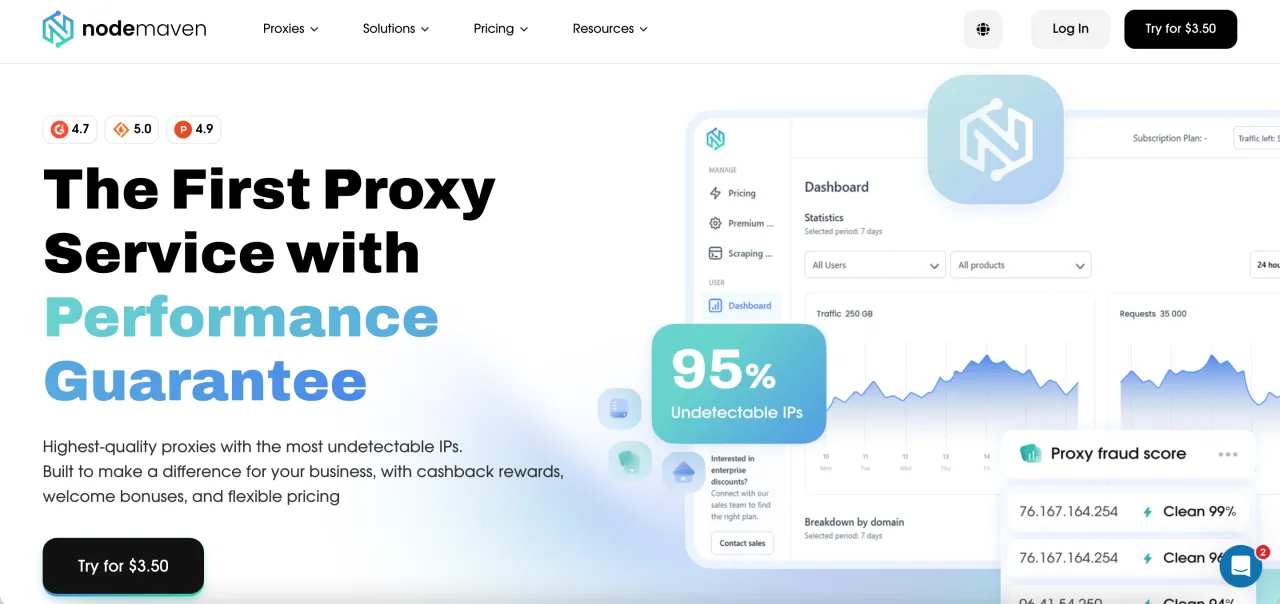
Official website: https://nodemaven.com/
NodeMaven positions itself around IP quality rather than raw pool volume, running an in-house algorithm that vets addresses before assigning them to customers. It is a solid fit for automation and multi-account workflows where a single bad IP can compromise an entire session. The cashback program. Which converts failed traffic into reusable proxy credits. Is a feature you will not find at most other providers.
- Carriers/geo: 4G/5G/LTE mobile IPs, global coverage with ZIP-level targeting available
- Protocols: HTTP(S), SOCKS5
- Authentication: Username/password and IP whitelist
- Rotation: Rotating and sticky sessions; session length configurable
- Price: $2.85-$5.31 per GB depending on plan size
- Promo: Use code CAPYRATE35 for 35% off your first order
2. DataImpulse
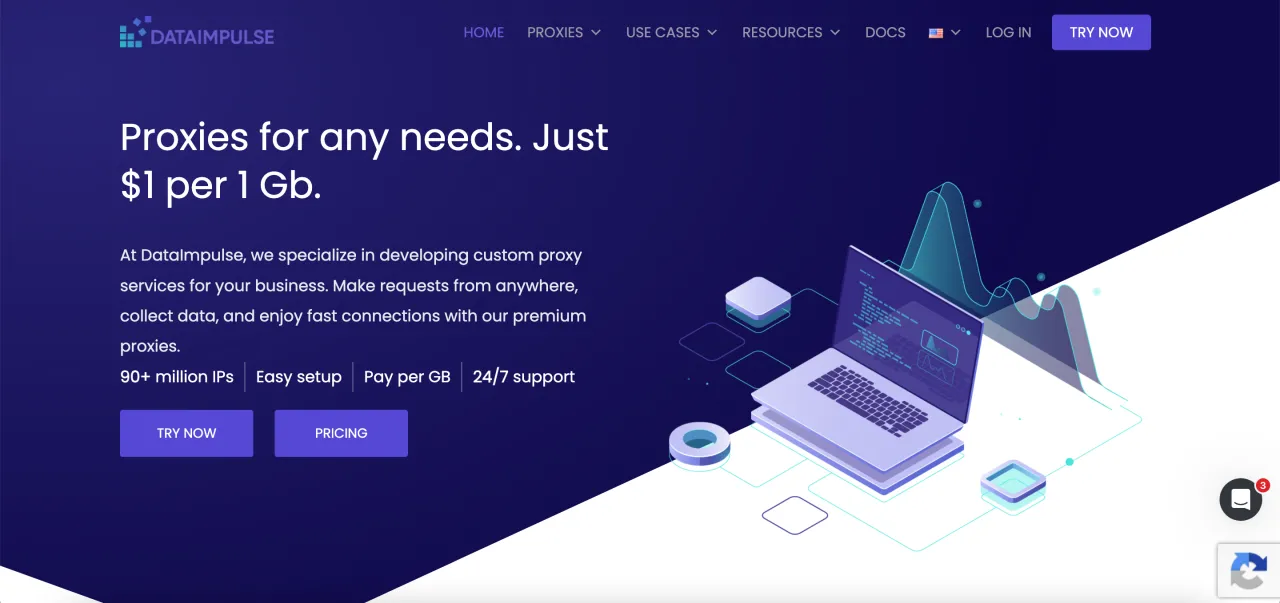
Official website: https://dataimpulse.com/
DataImpulse runs one of the larger mobile IP pools on this list, with over 16 million carrier addresses at a flat $2 per GB entry point. Traffic never expires, which makes it genuinely practical for teams with uneven usage patterns. The $1.6/GB rate at the 1 TB tier is competitive for high-volume scraping operations.
- Carriers/geo: 3G/4G/5G/LTE networks, country targeting included in base price
- Protocols: HTTP, HTTPS, SOCKS5
- Authentication: Username/password, IP whitelist
- Rotation: Rotating and sticky sessions up to 120 minutes
- Price: $2 per GB (entry), down to $1.60/GB at 1 TB; traffic does not expire
3. Proxidize
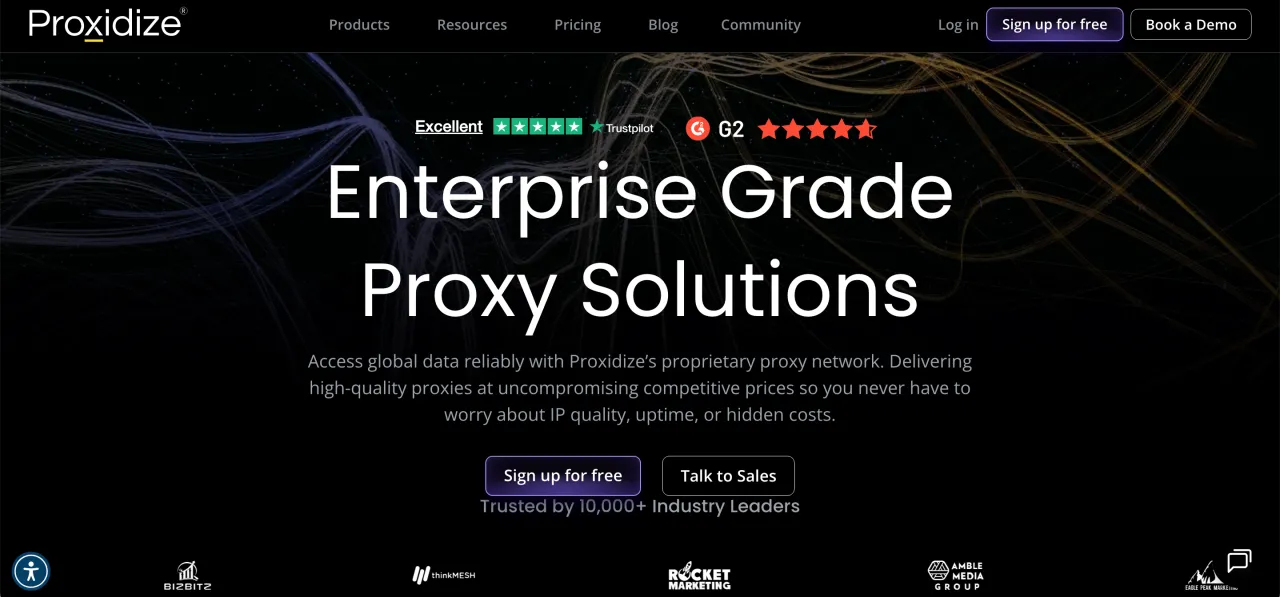
Official website: https://proxidize.com/
Proxidize runs its own proprietary mobile infrastructure inside the United States, meaning it controls the hardware directly rather than sourcing from third-party peers. That gives it an unusual degree of control over IP quality and network uptime. City and carrier targeting are both available from the dashboard, with rotation averaging 1-3 seconds via a built-in rotation URL API.
- Carriers/geo: Proprietary 4G/5G infrastructure, dozens of US locations, carrier targeting available
- Protocols: HTTP(S), SOCKS5, HTTP/3 and QUIC support, UDP over SOCKS
- Authentication: Username/password, rotation URL API
- Rotation: Near-instant rotation (1-3 seconds average); sticky sessions available on per-proxy plans
- Price: $2 per GB on the pay-per-GB plan (50 GB minimum, $100/month); per-proxy plans also available from $59/month
4. Novada
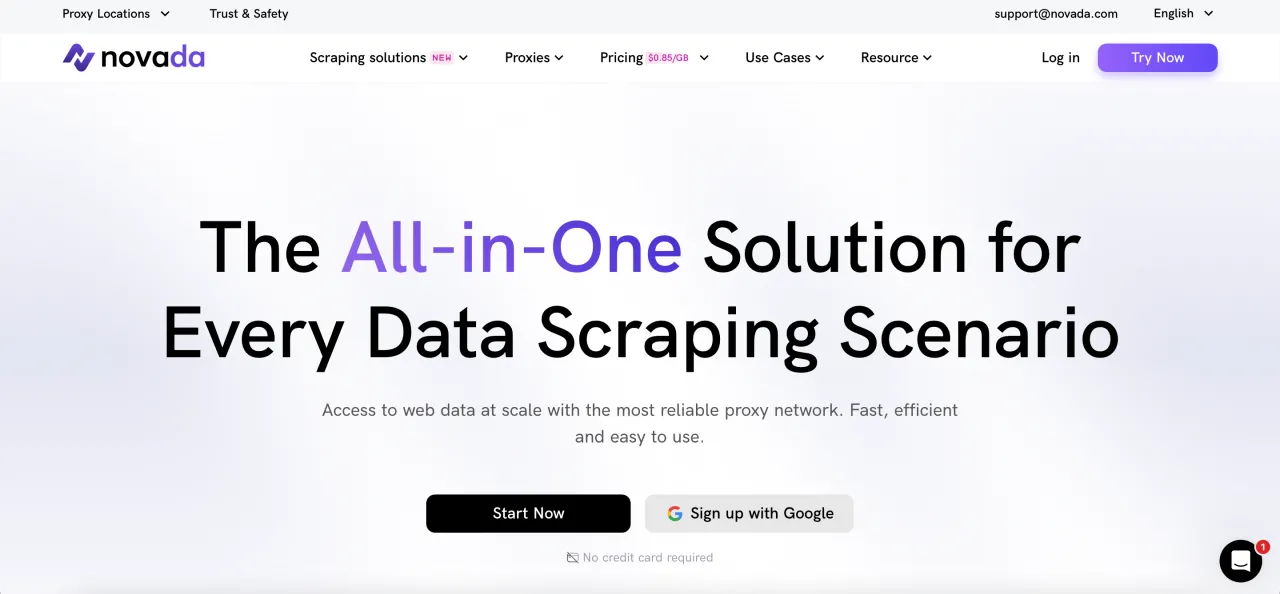
Official website: https://novada.com/
Novada offers mobile proxies from a pool of roughly 2.8 million IPs spanning 200-plus regions, with city and ASN-level targeting built around cell tower location data. The provider reports a sub-0.5 second average response time and a 99.99% success rate, which puts it firmly in the performance tier. It is a good option for teams that need precise geo-targeting at regional and city level alongside reliable mobile coverage.
- Carriers/geo: 3G/4G/5G mobile IPs, city and ASN targeting based on cell tower data
- Protocols: HTTP(S), SOCKS5
- Authentication: Username/password
- Rotation: Real-time dynamic IP rotation; sticky sessions available
- Price: $1.50-$5.00 per GB depending on volume tier
5. BirdProxies
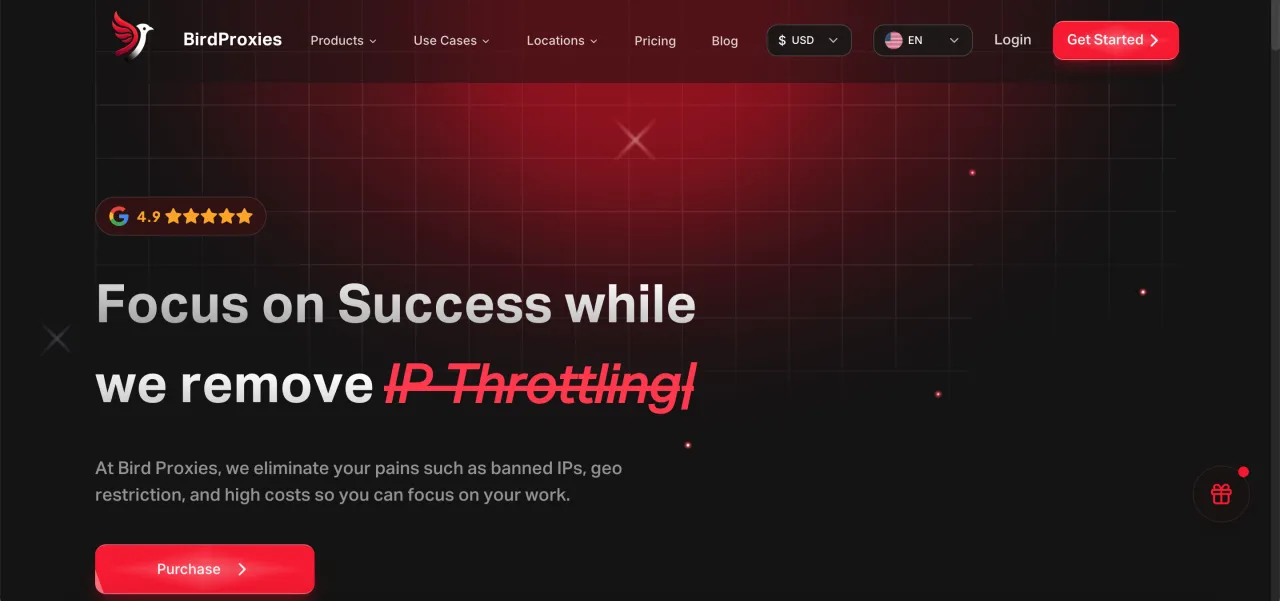
Official website: https://birdproxies.com/
BirdProxies is geared toward high-stakes use cases where proxy speed and reliability are non-negotiable. Ticket platforms, sneaker drops, and social media operations where a 50ms difference determines whether you get through. Mobile proxies are available through the personal account area rather than a dedicated landing page, so you will need to log in to configure and purchase them. The price range is higher than most options on this list, which reflects the performance focus.
- Carriers/geo: Mobile carrier IPs, multiple geo options available via dashboard
- Protocols: HTTP(S), SOCKS5
- Authentication: Username/password
- Rotation: Rotating sessions; sticky session support available
- Price: $5.94-$7.56 per GB
- Promo: Use code CAPROXY when visiting BirdProxies from this page to receive an additional 15% traffic on your order
6. ProxyScrape
Official website: https://proxyscrape.com/
ProxyScrape has the widest price range on this list, from $1.05 per GB at the upper volume tiers up to $7.50 per GB at the entry level. That spread means it can be genuinely cheap for bulk buyers while being relatively expensive for small one-off purchases. It is worth calculating your expected monthly consumption before committing, since the entry price is on the higher end compared to competitors like DataImpulse.
- Carriers/geo: Mobile carrier IPs across multiple countries
- Protocols: HTTP(S), SOCKS5
- Authentication: Username/password, IP whitelist
- Rotation: Rotating and sticky sessions available
- Price: $1.05-$7.50 per GB depending on volume
7. NetNut
Official website: https://netnut.io/
NetNut sits in the mid-to-upper price tier for mobile proxies, ranging from $3.82 to $6.46 per GB. The provider is well established in the residential and mobile proxy space and targets business users who prioritize network stability and account management support over lowest possible cost. For teams already using NetNut for residential traffic, adding mobile proxies through the same dashboard reduces operational overhead.
- Carriers/geo: Mobile carrier IPs, broad international coverage
- Protocols: HTTP(S), SOCKS5
- Authentication: Username/password, IP whitelist
- Rotation: Rotating and sticky sessions; rotation interval configurable
- Price: $3.82-$6.46 per GB depending on plan
8. Prosox
Official website: https://prosox.io/
Prosox is a newer entrant in the mobile proxy space, priced in the $3-$5 per GB range, which places it squarely in the middle of the market. It is a reasonable option for buyers who want mobile IP coverage without the higher price tags of performance-focused providers like BirdProxies or NetNut. Worth testing for scraping and account management workflows where the cost-per-GB matters more than raw speed benchmarks.
- Carriers/geo: Mobile carrier IPs, multiple geo locations available
- Protocols: HTTP(S), SOCKS5
- Authentication: Username/password, IP whitelist
- Rotation: Rotating and sticky sessions
- Price: $3-$5 per GB
How Mobile Proxies Actually Work
A mobile proxy sits between your scraper or browser automation tool and the destination server. When your request leaves your machine, it travels to the proxy node, which forwards it using a carrier-assigned IP address. The kind that a real Android or iOS device on a cellular network would have. The destination sees that carrier IP and responds to it. The response travels back through the proxy node to your application. From the target site's perspective, the entire interaction looks like a regular mobile user browsing on their phone.
The reason mobile IPs carry more trust than datacenter IPs comes down to how ISP reputation systems work. Platforms like social networks, e-commerce sites, and ticketing systems build reputation scores based on the historical behavior of IP ranges. Datacenter IP ranges. The kind owned by cloud providers and hosting companies. Have been used so heavily for automation that they carry a stigma by default. Mobile carrier ranges, by contrast, serve tens of millions of legitimate users daily. Flagging an entire carrier range would produce an unacceptable number of false positives, so platforms treat them more leniently. That is the core reason mobile proxies get through where datacenter proxies fail.
Rotation mechanics vary by provider but generally follow one of two patterns. In request-level rotation, the proxy assigns a new IP for every outgoing request. This produces maximum IP diversity but breaks stateful sessions. If you are managing an account that needs to appear as a consistent user across multiple page loads, rotating every request will trigger anomaly detection. Sticky sessions solve this by holding the same IP for a configurable window, typically 10 to 120 minutes. The proxy node maintains the binding between your session identifier and a specific carrier IP for that duration, then releases it back to the pool.
Mobile vs. Residential Proxies for the Same Tasks
The question comes up often enough that it is worth addressing directly. Residential proxies (IPs assigned by home internet service providers) and mobile proxies (IPs assigned by cellular carriers) are both sourced from real users, but they behave differently in detection environments. Mobile IPs share IP ranges that serve a much larger number of users from a single address block. A single carrier IP can represent hundreds of active users at any given moment, because mobile networks use carrier-grade NAT to conserve IPv4 addresses. That shared usage pattern makes it harder for platforms to fingerprint individual users based on IP alone, which is one reason mobile proxies tend to have lower block rates on the most aggressive targets.
The trade-off is price. Residential proxies are generally cheaper, with the market average for 100 GB sitting around $3-$4 per GB. Mobile proxies tend to run $2-$7 per GB depending on the provider and volume. For most scraping tasks where the target does not have aggressive mobile-specific defenses, residential proxies are a more economical choice. Mobile proxies earn their higher cost when you are working with platforms that specifically apply stricter checks on non-mobile traffic, or when you need the carrier-NAT masking behavior to operate multiple sessions from the same IP range without raising flags.
How to Choose Between These Eight Providers
Price per GB is the obvious starting point, and DataImpulse at $2/GB with non-expiring traffic is hard to argue with for pure cost efficiency. But price alone does not tell the full story. A cheaper provider with a smaller or lower-quality IP pool will produce more blocks and more retries, and those retries consume traffic too. Which erodes the cost advantage quickly on aggressive targets.
For scraping at scale across 100-plus countries, DataImpulse and Novada stand out for geographic breadth. For US-focused work where you need city and carrier targeting with the lowest possible latency, Proxidize is worth testing given its proprietary infrastructure. If you would rather pay a flat monthly fee per port, see best US mobile proxies. For account management workflows where session stability over 30-120 minute windows is the priority, NodeMaven's quality filtering and sticky session support are the right combination. BirdProxies and NetNut sit at the higher end of the price range but serve different segments. BirdProxies for time-critical, high-competition scenarios, NetNut for business teams that want a single provider relationship across proxy types. ProxyScrape becomes competitive only at high volumes where the per-GB rate compresses below $2. Prosox is a reasonable middle-ground option for buyers who want something straightforward without committing to a larger provider.
The practical advice is to test before you commit. Most of these providers sell entry-level packages for under $10, which is a low-cost way to benchmark IP quality, rotation speed, and success rate against your specific target before buying a larger block.